5 CapCut Alternatives for Better Captions and Editing 2026
Summary
CapCut's free auto-captions cap out at 10 minutes, and its full AI toolkit sits behind a $19.99/mo Pro plan, so plenty of creators are checking out CapCut alternatives built around captions specifically. We compared five: VEED, Descript, Kapwing, Submagic, and InShot, on price, platform, caption-language coverage, and free-plan watermark rules. VEED comes out on top for browser-based caption work, Submagic wins on raw speed for short-form clips, and Descript wins if your footage is mostly someone talking to camera.
CapCut alternatives are getting a closer look for one specific reason: the free auto-caption tool that made CapCut the default pick for years now caps out fast, and the rest of its AI toolkit lives behind a $19.99/mo Pro plan. If captions are the actual job, not the timeline, that's a reasonable moment to compare what else is out there.
Why creators look past CapCut
CapCut's free plan still gives a real timeline, transitions, and text tools at no cost. What changed is the caption side: auto captions are capped around 10 minutes on the free tier, and speaker-identification captions, the AI toolkit, and 4K export sit inside Pro.
That's not a scandal, every tool draws a line somewhere. But it means the decision to switch is usually about captions specifically, not about wanting a different timeline.
How we compared these five
We checked each product's own pricing page and documentation in early September 2026 for its entry paid tier, free-plan limits, and published caption-language count. We opened each homepage to confirm current positioning, and cross-referenced third-party reviews where a vendor's own claims needed a second source.
Scores below reflect fit for a captioning-first workflow: timing quality, language coverage, watermark policy, and how much a solo creator has to relearn to switch away from CapCut. None of these five paid us to be included.
VEED: the best all-around swap for caption-heavy work
VEED runs entirely in the browser, which matters if you're captioning from a laptop that already struggles with a desktop editor open. Its auto-subtitle engine covers 125+ languages, and styling is dynamic rather than a single fixed template.
The catch is the free plan: a watermark, a 720p cap, and a 10-minute video limit push most people to the $19/mo Lite tier fairly quickly. Video translation is also capped at 20 minutes a month even on the paid Pro plan, so heavy translators will still hit a wall.
Descript: for creators who'd rather edit a transcript
Descript flips the usual model. Instead of scrubbing a timeline, you edit the transcript, delete a sentence, and the matching footage disappears with it. For talking-head content, that's a genuinely different, faster workflow.
It's also the priciest option here, $24 to $35 a month for the Creator tier, and media hours plus AI credits are two separate meters that can both run out mid-project. Worth it specifically for podcast-to-video and interview-heavy channels, less so for general social clips.
Kapwing: when captioning is a team job
Kapwing's pitch is a shared, Google-Docs-style workspace: two people can be in the same caption pass at once. Auto-subtitles cover 100+ languages for translation, and the editor keeps a real multi-track timeline in the browser, not a caption-only layer bolted on top.
The free plan is thin, roughly 10 minutes of auto-subtitling a month, and the jump to Business-tier minute allowances gets expensive once a team is captioning at volume rather than one creator alone.
Submagic: the fastest path to a captioned short
Submagic skips general editing entirely. Drop in a raw clip and it comes back with animated, word-by-word captions, automatic keyword highlighting, and b-roll suggestions already placed. Of everything tested, it's the fastest route from footage to a caption-ready short.
That focus is also the limit: there's no multi-track timeline, so it's a caption tool wearing an editor's clothes. The free plan caps out at 3 videos a month, 90 seconds each, with a watermark.
InShot: the lighter mobile-only option
InShot's case isn't better captions, it's a smaller, faster app on an older phone. It opens quickly, exports quickly, and has aspect-ratio presets built specifically for Instagram, TikTok, and YouTube.
Caption language coverage and accuracy are the weakest of this group, and there's no desktop or browser version at all. Pick InShot to lighten the app, not to fix a caption problem.
SRT, VTT, or burned in: what actually matters when switching
Whichever tool you land on, check two things before committing a whole project to it: whether it exports a real caption file (SRT or VTT) alongside the burned-in video, and whether its line-breaking respects reading speed instead of just cramming words to a fixed duration.
A caption that breaks mid-idea, or flashes faster than about 20 characters per second reads, isn't a language problem, it's a timing problem. Most of the tools above, including VEED, Kapwing, and Descript, will hand you an SRT or VTT file on export, which matters the moment that video needs to go on a platform player instead of staying burned in.
Which one should you actually switch to?
If captions are genuinely the whole reason you're looking, VEED is the strongest general swap: browser-based, wide language coverage, nothing to install. If most of your footage is a person talking to a camera, Descript's transcript editing is worth the higher price. If the job is strictly short-form and speed matters more than depth, Submagic gets there fastest. Kapwing fits a team; InShot fits a lighter phone-only habit.
None of them make CapCut wrong. They just answer a narrower question better: getting captions timed, styled, and exported without the rest of a full editor in the way.
Test the alternative on one real clip from your own channel before moving a whole project over, caption quality shows up differently on a fast talker than it does on a demo video.
At-a-glance
| VEED.io | Descript | Kapwing | Submagic | InShot | |
|---|---|---|---|---|---|
| Entry paid price | $19/mo Lite ($12/mo billed annually) | $24/mo Creator billed annually ($35 month-to-month) | $16/mo Pro billed annually | $12/mo Starter billed annually ($19/mo month-to-month) | Low-cost mobile subscription, regional pricing |
| Platform | Browser-based, no install | Desktop app (Win/Mac) plus web | Browser-based, no install | Browser-based, upload from phone or desktop | Mobile only (iOS/Android) |
| Free-plan watermark | Watermark; 720p cap; 10-minute video limit | No watermark; limited by monthly transcription hours and AI credits | Watermark on exports; about 10 minutes of auto-subtitling a month | Watermark; 3 videos a month; 90-second cap per clip | Small logo watermark plus in-app ads until you subscribe |
| Auto-caption languages | 125+ languages for auto subtitles | Dozens of languages via built-in transcription, strongest in English | 100+ languages for subtitle translation and export | 48+ languages with accent and dialect detection | A handful of languages, the weakest coverage in this group |
| Editing depth | Full timeline editor plus AI tools and screen recording | Transcript-driven editing: cut the text, the video follows | Full multi-track timeline in the browser | Caption-only; no multi-track timeline | Lighter mobile timeline, fewer tracks than a desktop app |

VEED.io
- Auto subtitles in 125+ languages with dynamic, on-brand styling
- Runs entirely in the browser, nothing to install or update
- One workspace covers subtitling, screen recording, and basic editing
- Free plan caps videos at 10 minutes and 720p with a watermark
- Video translation is limited to 20 minutes a month even on the Pro plan
- Rendering can lag on longer, multi-clip projects compared to a native app
The most complete browser-based alternative once captions are the main job.
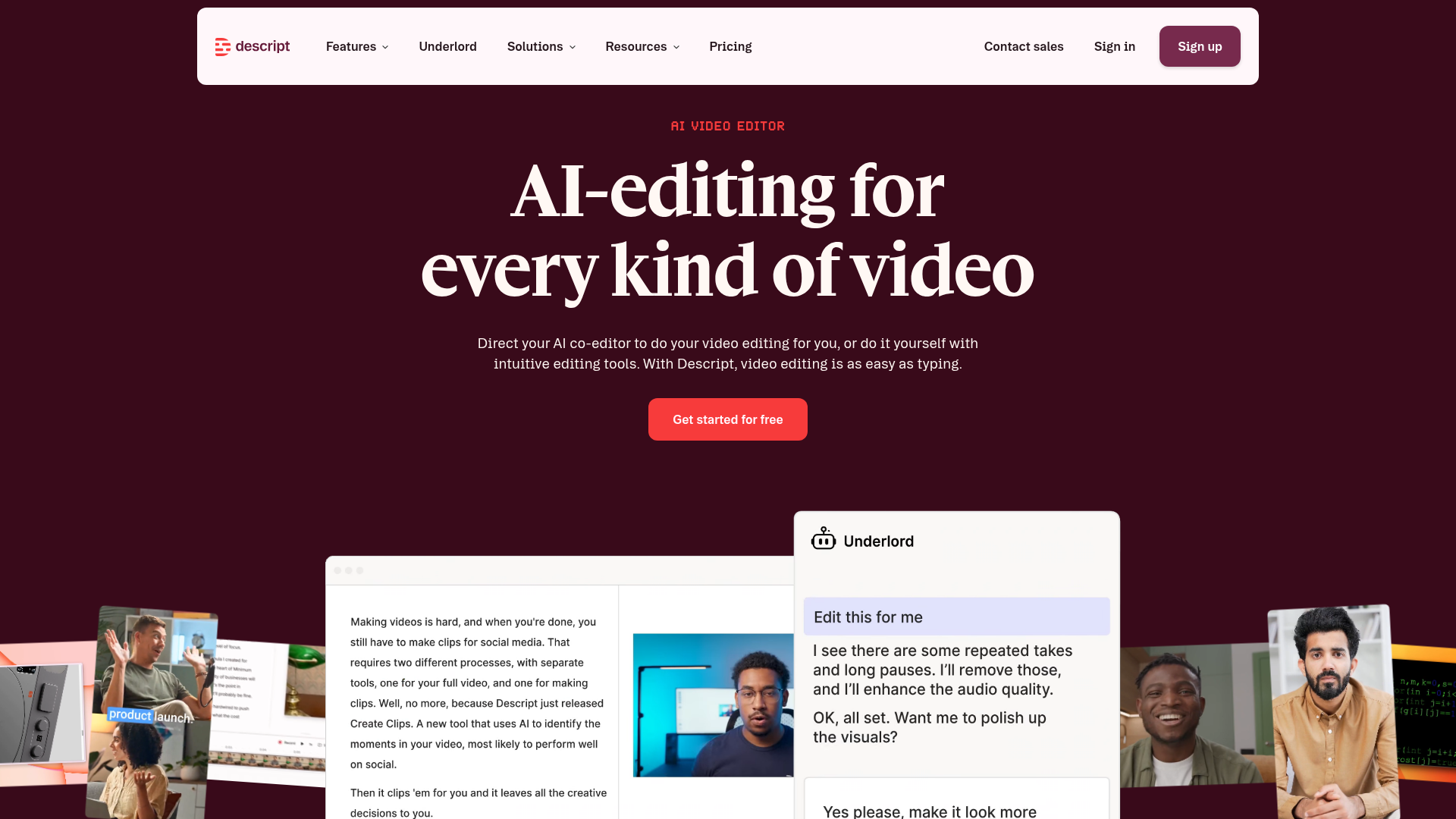
Descript
- Deleting text in the transcript removes the matching video, no timeline scrubbing
- Filler-word and silence removal cleans up a rough recording fast
- Overdub and studio sound tools go beyond what CapCut offers for voice
- Creator plan runs $24 to $35 a month, well above CapCut's free tier
- Media hours and AI credits are separate meters that can both run out
- The transcript-first model is a bigger habit change than a timeline editor
Worth the switch mainly when most of the footage is someone talking to camera.
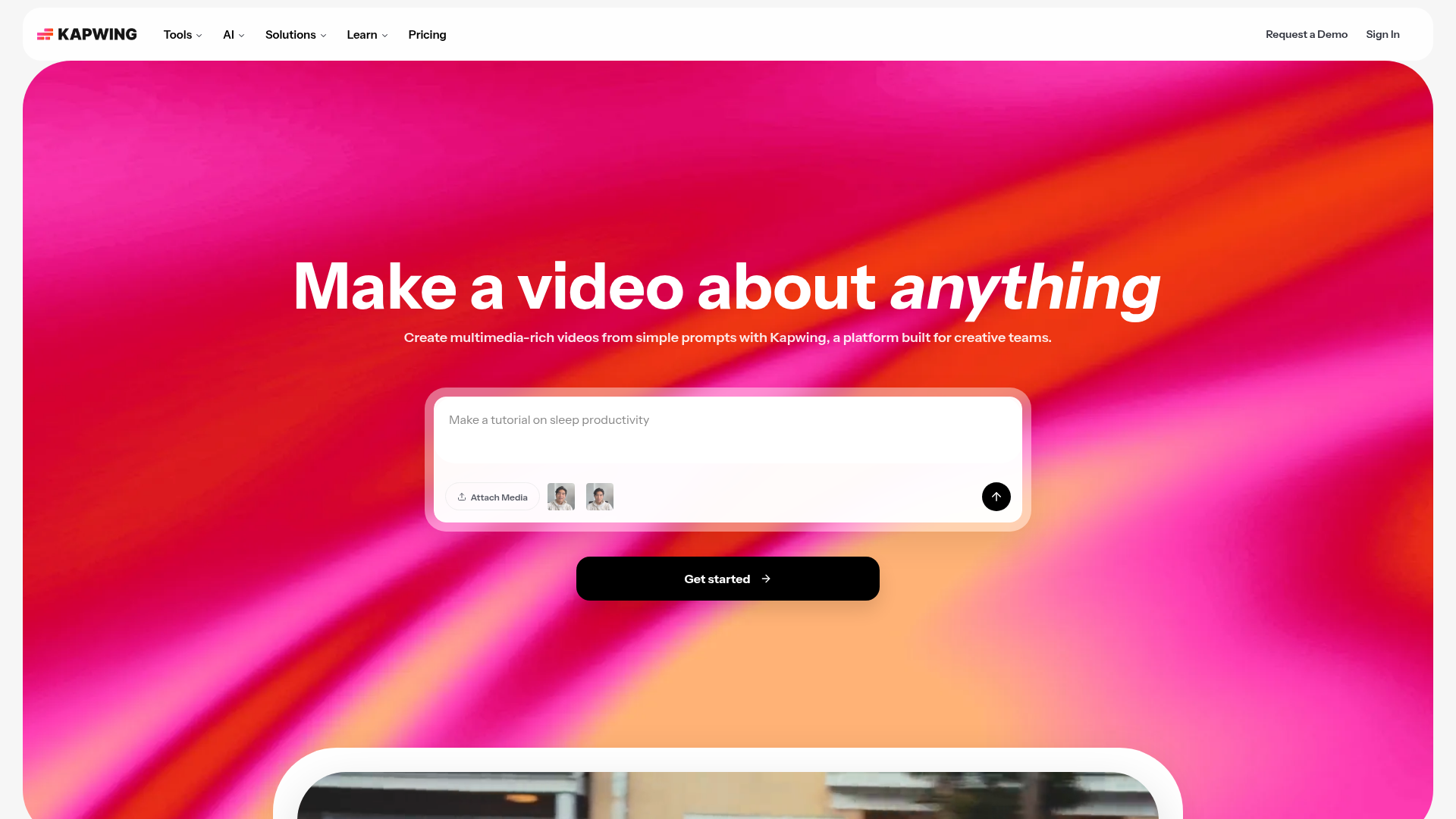
Kapwing
- Multiple people can edit the same project and captions at once
- Auto-subtitles support 100+ languages for translation and export
- Browser-based with a real multi-track timeline, not just a caption layer
- Free plan gives only about 10 minutes of auto-subtitling a month
- Business-tier minute allowances get expensive once volume climbs
- Word-by-word caption styling has fewer presets than the dedicated caption tools
A solid CapCut swap specifically when captioning is a team task, not a solo one.
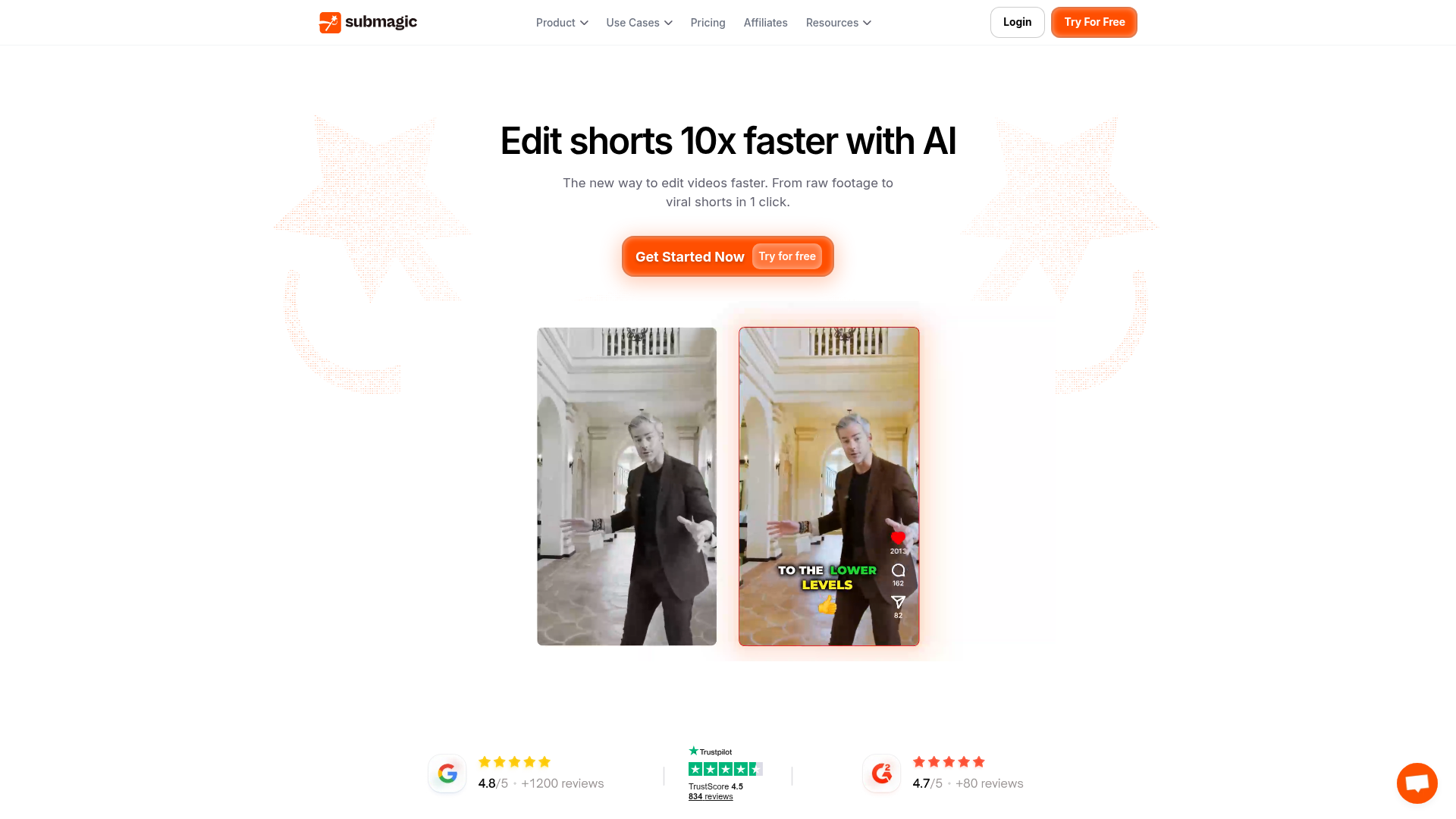
Submagic
- Animated, word-by-word captions with automatic keyword highlighting
- Built-in b-roll suggestions save a separate stock-footage search
- Fastest path from a raw phone clip to a caption-ready short we compared
- No real multi-track timeline, it is not a general-purpose video editor
- Free plan is capped at 3 videos a month with a 90-second limit and a watermark
- Longer videos need the pricier Business tier for the 30-minute cap
The narrowest tool here, and the fastest, when captioned shorts are the whole job.
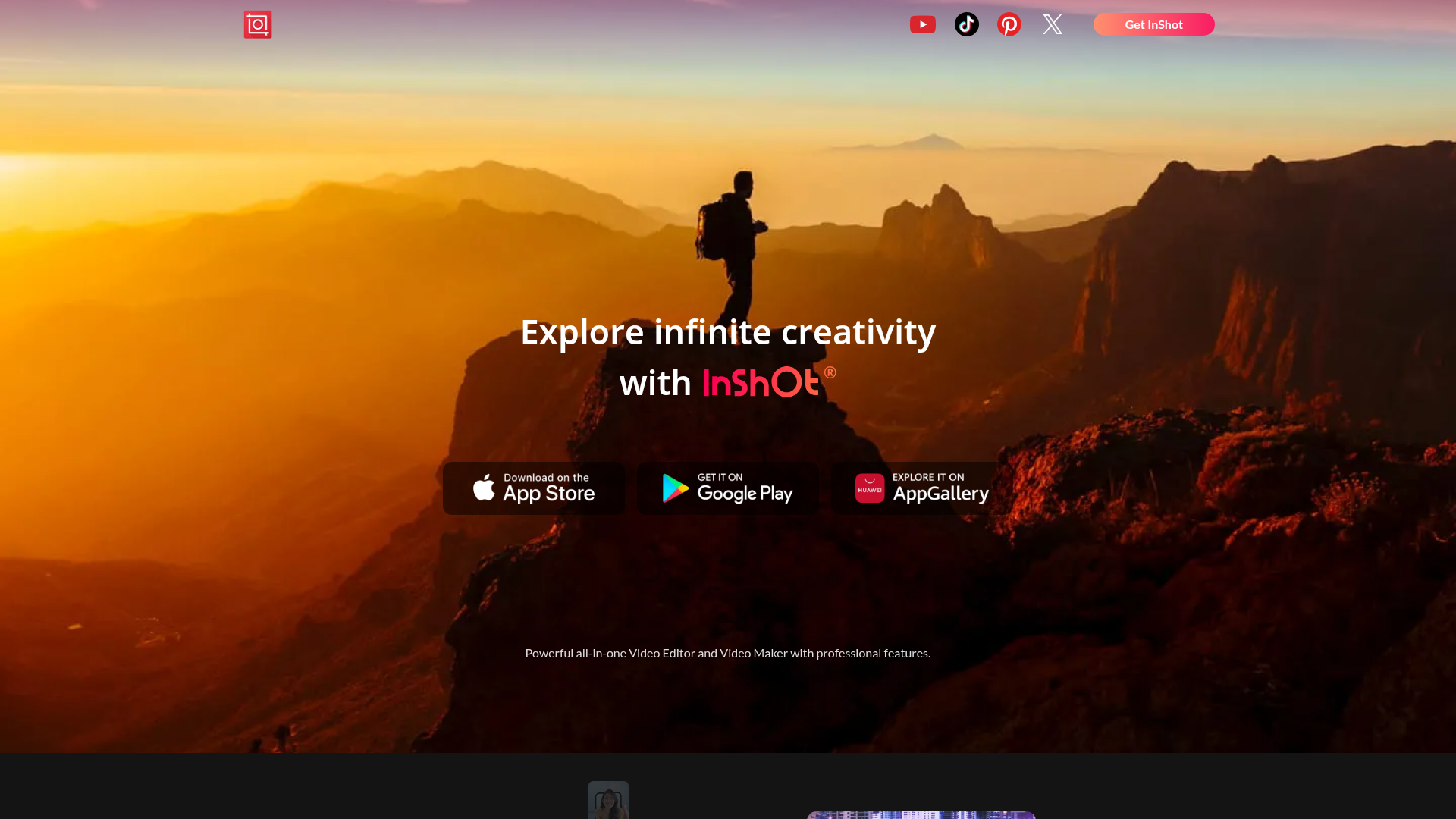
InShot
- Smaller, faster app that opens and exports quicker on older phones
- Aspect-ratio presets built specifically for Instagram, TikTok, and YouTube
- Low-cost subscription instead of a recurring desktop-tier price
- Auto-caption language coverage and accuracy trail every other tool here
- Free tier adds a watermark and in-app ads that many exports here skip
- No desktop or browser version at all, editing stays mobile-only
A lighter mobile alternative, not a caption-quality upgrade over CapCut.
Verdict
VEED is the strongest all-around CapCut alternative once captions are the main job: browser-based, 125+ languages, nothing to install. Choose Descript if most of your footage is someone talking to camera and a transcript-first edit fits how you work. Choose Submagic if the whole job is short-form captions and speed matters most. Kapwing fits a team; InShot fits a lighter, mobile-only habit.
How we tested
We checked each product's own pricing page and documentation in early September 2026 for its entry paid tier, free-plan limits, and published caption-language count, then opened each homepage to confirm current positioning and cross-referenced third-party reviews where a vendor's own claim needed a second source. Scores reflect fit for a captioning-first workflow: timing quality, language coverage, watermark policy, and how much a solo creator has to relearn to switch away from CapCut. None of the five alternatives paid to be included.