How to Dub Anime with AI: A Creator's Real Workflow
Summary
AI tools can now dub anime into 100+ languages in hours rather than weeks. But 'dub anime' covers two very different choices: replacing the voice track entirely, or adding translated subtitles in sync with the original. For most solo creators, subtitles are faster, reversible, and easier to quality-check. This article explains when each approach makes sense, which tools are worth your time, and where AI still needs a human pass.
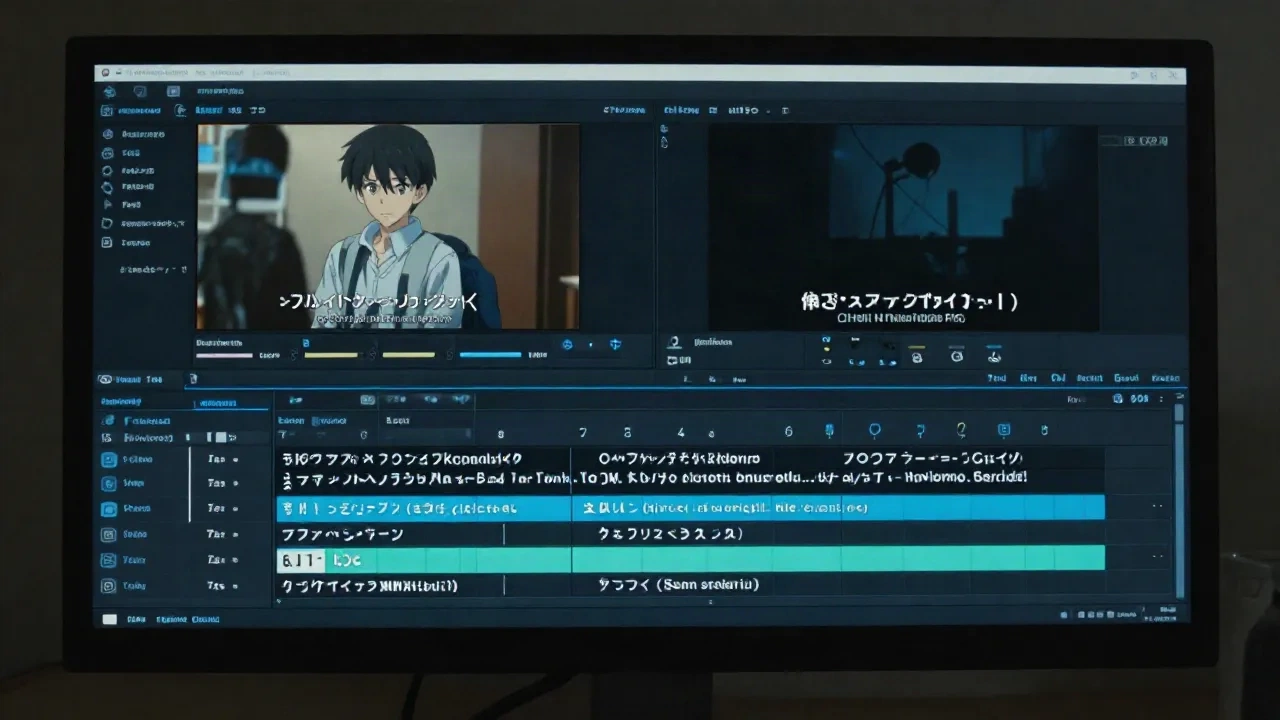
AI can now take an anime video, transcribe the original dialogue, translate it, and generate either a new voice track or a timed subtitle file, all in under an hour. That is the honest summary of what "dub anime" workflows look like in 2026. Whether you are localizing a series for a new audience, subtitling a fan project, or trying to get your original anime content in front of a Spanish-speaking audience, the tools are there. The question is which approach actually holds up when you test it on a real clip, with fast dialogue, overlapping voices, and the emotional peaks anime is built around.
What "dub anime" means for creators today (not for studios)
The phrase covers two distinct workflows, and most tools handle only one of them. Knowing which one you actually need will save you a few hours of redoing work.
Voice replacement dubbing generates a new audio track in the target language, timed to match the original pacing. AI platforms translate the dialogue, synthesize speech from a voice model, and attempt to sync the new audio to the character's mouth movements in the video. The output is a video file with a replaced audio track. It sounds like real dubbing because, structurally, it is.
Subtitle dubbing keeps the original audio entirely and adds timed text below the frame. The AI transcribes the source track, translates the text, and outputs a timestamped SRT or VTT file. That file attaches to the video in any player, on any platform, without touching the original audio. It is faster, cheaper to review, and far easier to correct when the translation is wrong.
When most people search "how to dub anime," they picture the first type. But for a creator working alone, the second type is what actually ships on time.
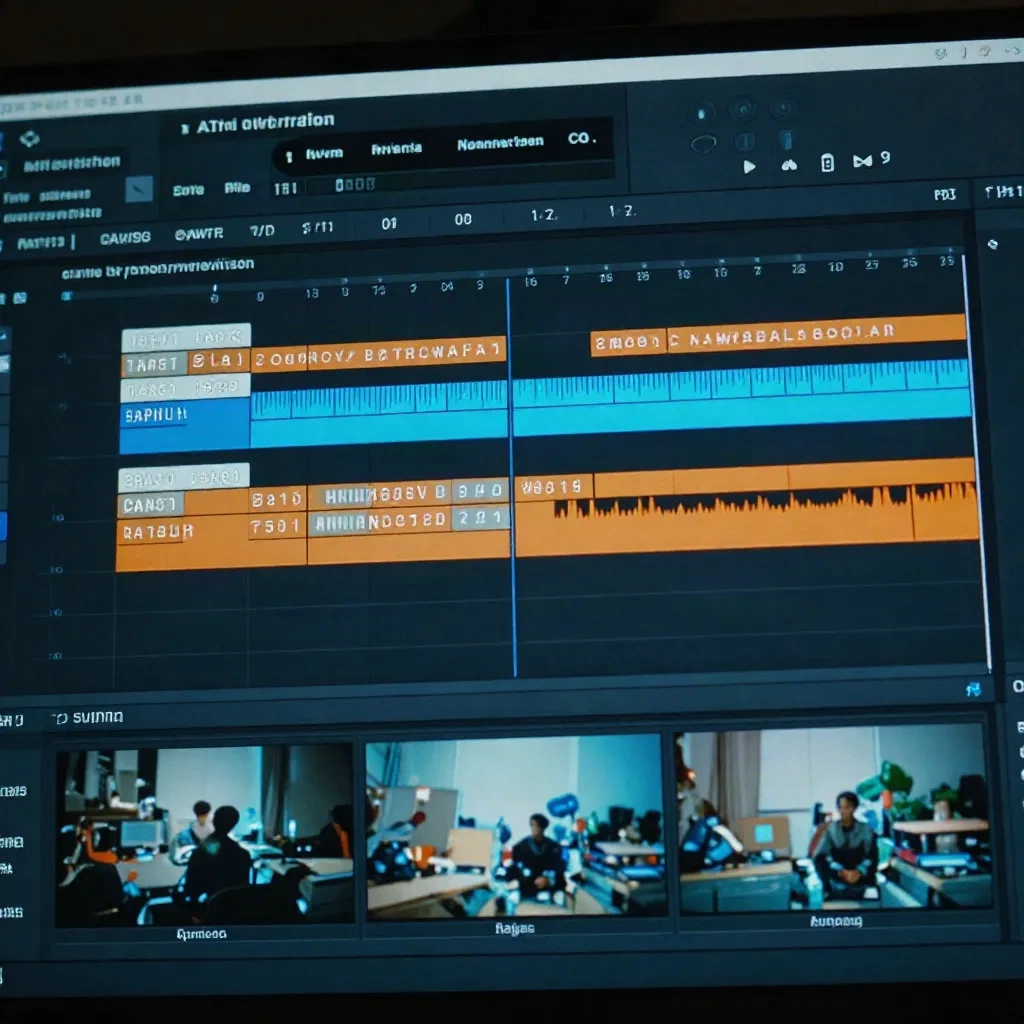
Sub or dub: the decision that shapes the rest
This is not a stylistic preference. It determines the tools you need, the post-production time you will spend, and whether your audience can follow the content on a phone with the sound off.
Three questions narrow it down. First: can your audience read while they watch? If the answer is yes, subtitles work. If the content is aimed at young children or non-readers, voice dubbing is the only real option. Second: what is the viewing context? A YouTube video watched with headphones is a different environment from a reel scrolling in a feed on mute. Subtitles perform better in the second case. Third: how long is the content? A three-minute clip can be voice-dubbed and reviewed in an hour. A 24-minute episode has 20 minutes of dense, fast dialogue that will need significantly more quality control.
The default assumption that dubbing is "more professional" than subtitles is a studio-era holdover. On the web, in 2026, a clean subtitle track loads faster, costs less to produce, and serves viewers who have the sound off. That is the majority of the scroll.
The subtitle-first workflow: what the AI handles and where to check your work
For a solo creator, the AI-to-subtitle pipeline is practical in a way that AI voice dubbing still is not. The steps are: upload the video or audio, let the AI transcribe and timestamp the dialogue, translate the transcript into the target language, and export as SRT or VTT.
The transcription step is where most AI tools now perform well. Accents and fast speech still cause errors, but for standard-speed Japanese anime dialogue with clean audio, a modern transcription model will deliver a usable raw transcript. Relire en deux minutes.
The translation step introduces the subtitler's specific problem: a sentence that is 35 characters in Japanese can become 80 characters in English. At a comfortable reading speed of 17 characters per second (cps), 35 characters needs about two seconds on screen. 80 characters needs nearly five. If the speaker finishes their line in two seconds, the subtitle cannot stay on screen for five without trailing past the cut. The AI does not solve this for you automatically. You solve it by shortening the translation, by splitting the line into two cards, or by accepting a lower reading speed on that specific card.
Coupez la ligne au bon endroit, pas au milieu d'une idee. That is the line-break rule that matters most. A subtitle card that reads "He said he would come back but I never" and cuts there forces the viewer to hold an incomplete thought while the next card loads. It reads like a badly calibrated caption, because it is. The AI translates accurately but it does not know where the thought ends for a reader.
Two lines maximum per card. Check the cps on every card that has more than three words. Lisible sans le son, d'abord.
When voice dubbing earns its place
Voice dubbing makes sense in three specific situations: the content is aimed at an audience that genuinely cannot read subtitles (young children, accessibility use cases), the production budget and timeline allow for post-production review of every scene, or the platform where the video lives performs better with native audio than with subtitle overlays.
For anime specifically, voice dubbing faces a technical challenge that most AI marketing materials gloss over. Anime dialogue is animated around a specific language's phoneme timing. Japanese has shorter average syllable durations than English, which is why English dubs of anime have always required re-writing lines to fit the character's mouth movements. AI voice dubbing tools attempt to compress or stretch the generated audio to match visible mouth shapes. The result is often intelligible but slightly off, with a rhythm that does not quite match what the viewer sees.
A l'ecran, voila ce qui change. A 200-millisecond timing slip between mouth and voice is almost imperceptible in live-action. In anime, where the character's mouth opens and closes on a visually explicit cel, the same slip is obvious. The most natural-sounding scenes in AI-dubbed anime are the ones with static characters or minimal mouth animation, where there is nothing to sync against.
For calm dialogue scenes, AI dubbing platforms now produce output that is passable without heavy editing. For action sequences, emotional peaks, and the rapid-fire exchanges that define battle anime, the output needs a human pass before it is publishable.
Reading speed and lip sync: the two failure modes to check on every project
These are the two places where AI-assisted dubbing breaks down consistently in 2026, regardless of which tool you use. Knowing them in advance saves the debugging time.
Reading speed errors come from translation models that optimize for linguistic accuracy over subtitle readability. A translation that captures every nuance of the source line may be significantly longer than what fits comfortably on screen at the scene's pace. The fix is not to use a worse translation. It is to use a translation that works as a subtitle: shorter, punchier, adapted to the reading context rather than the linguistic source. That is a rewriting skill, not a translation skill, and it is still largely manual in 2026.
The 17 cps target is a starting point, not a hard ceiling. Some platforms and some audiences read faster. A 14 cps rate is more appropriate for general audiences on mobile. Check the platform's own spec before you export the final file, because every major video host publishes caption guidelines and they do not all agree.
Lip sync drift in voice dubbing appears when the generated sentence is a different length than the original. A shorter English sentence leaves the character's mouth moving in silence after the audio ends. A longer one continues past the visible mouth close. Most AI dubbing tools address this by speeding up or slowing down the voice synthesis, which introduces a robotic quality to the pacing. The human fix is to rewrite the line at the script stage, before synthesis, to match the original sentence length in syllables. That process exists in traditional dubbing under the name "lip-sync translation" and it has not been automated away yet.
The tools worth testing on your actual content
No comparison list of AI dubbing tools is honest without this caveat: the tool that performs best on one type of content fails on another. Test on your content, not on a demo.
For voice dubbing with lip-sync features, HeyGen's dubbing workflow handles 175+ languages and has an animation-aware timing mode specifically for content where mouth movements matter. For voice quality above average, ElevenLabs produces the most natural synthetic speech currently available, with granular control over emotion and pacing, though the timing sync is more manual. For audio-only dubbing on a budget, platforms like Wavel and Rask AI generate voice tracks quickly and support a large number of languages.
For the subtitle approach, the workflow in SubsVideo handles transcription, translation, and export directly in the browser, with reading speed and line-break controls built into the editor. Export in SRT for most platforms, VTT for web players and HTML5 video, SSA/ASS if you need advanced styling for burn-in.
The honest recommendation for a solo creator starting with anime localization: begin with the subtitle workflow. Ship one clean translated subtitle track. Then decide, with that experience in hand, whether the content and the audience warrant the additional production time of full voice dubbing.
Start with your hardest three minutes tonight
Pick the three minutes of your anime project where the characters speak fastest. Upload them. Run the AI translation. Check three things: reading speed per card (flag anything above 20 cps), line-break positions (no cut mid-idea), and whether any subtitle card overlaps with a scene cut.
Fix those three things and you have a publishable subtitle track. On a real video, voila ce qui change.
If the project needs voice dubbing, run the same three minutes through a dubbing tool. Watch the output with the sound on and note exactly where the timing breaks. That review tells you how much post-production time the AI is not eliminating, which is the number that determines whether the workflow makes sense for your project.
The AI does 95% of the timing work. The remaining 5% is still yours to catch before it publishes.